Find your people
See shared locations on the map and check when they were last updated. Connect with friends and create your own circles.
 Tuki
See where your friends are. Make a plan. Keep the conversation going — all in one place.
Android · Closed testing · Sharing is your choice
From a quick hello to the way home, keep your people close.
See shared locations on the map and check when they were last updated. Connect with friends and create your own circles.
Chat, react and send a place to meet. Optional Android chat heads let you keep the conversation nearby.
Opt in to My Timeline for your own recent routes and estimated travel distance. Seven days, saved on your phone.
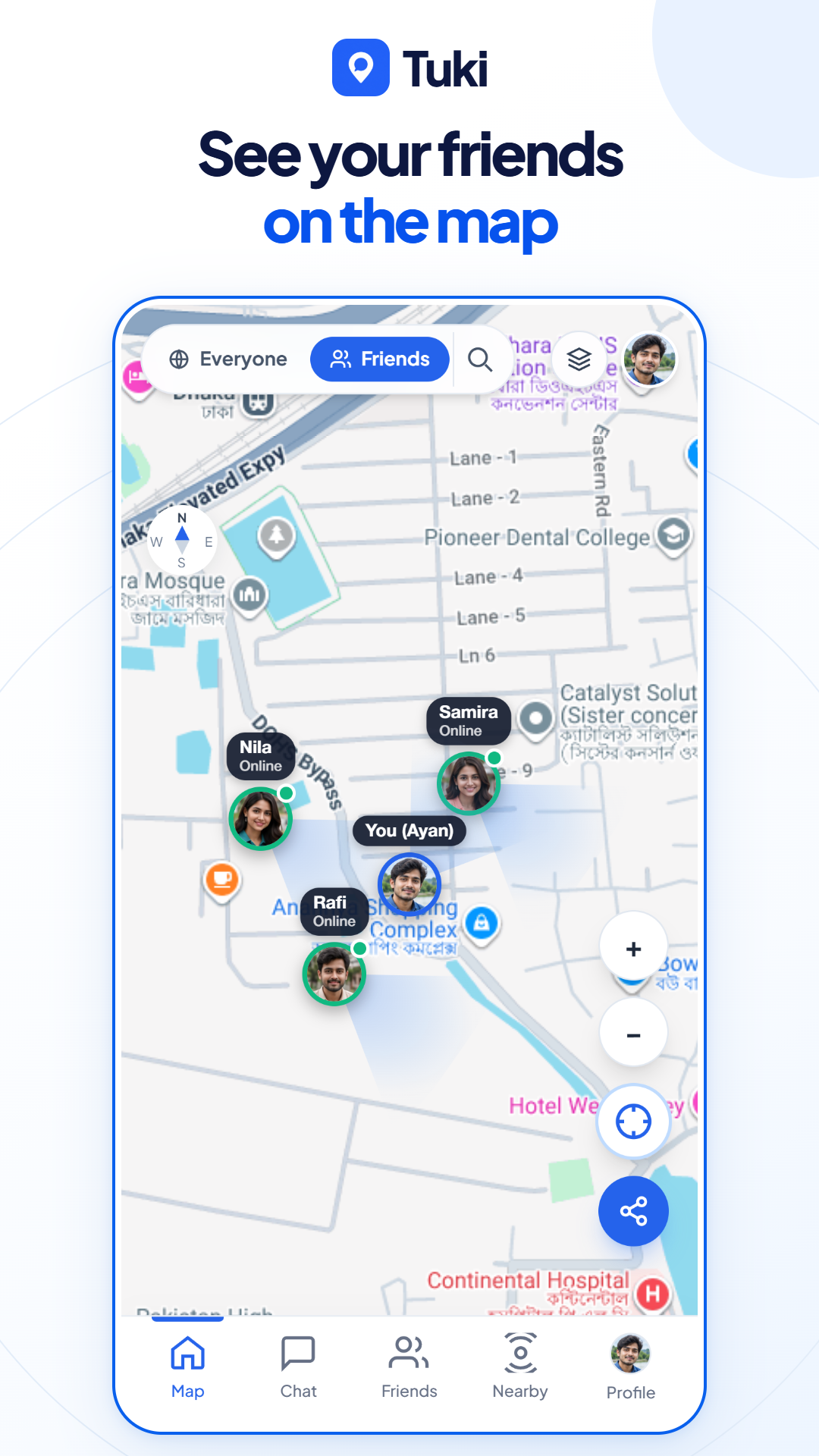
Shared locations, together on one map.
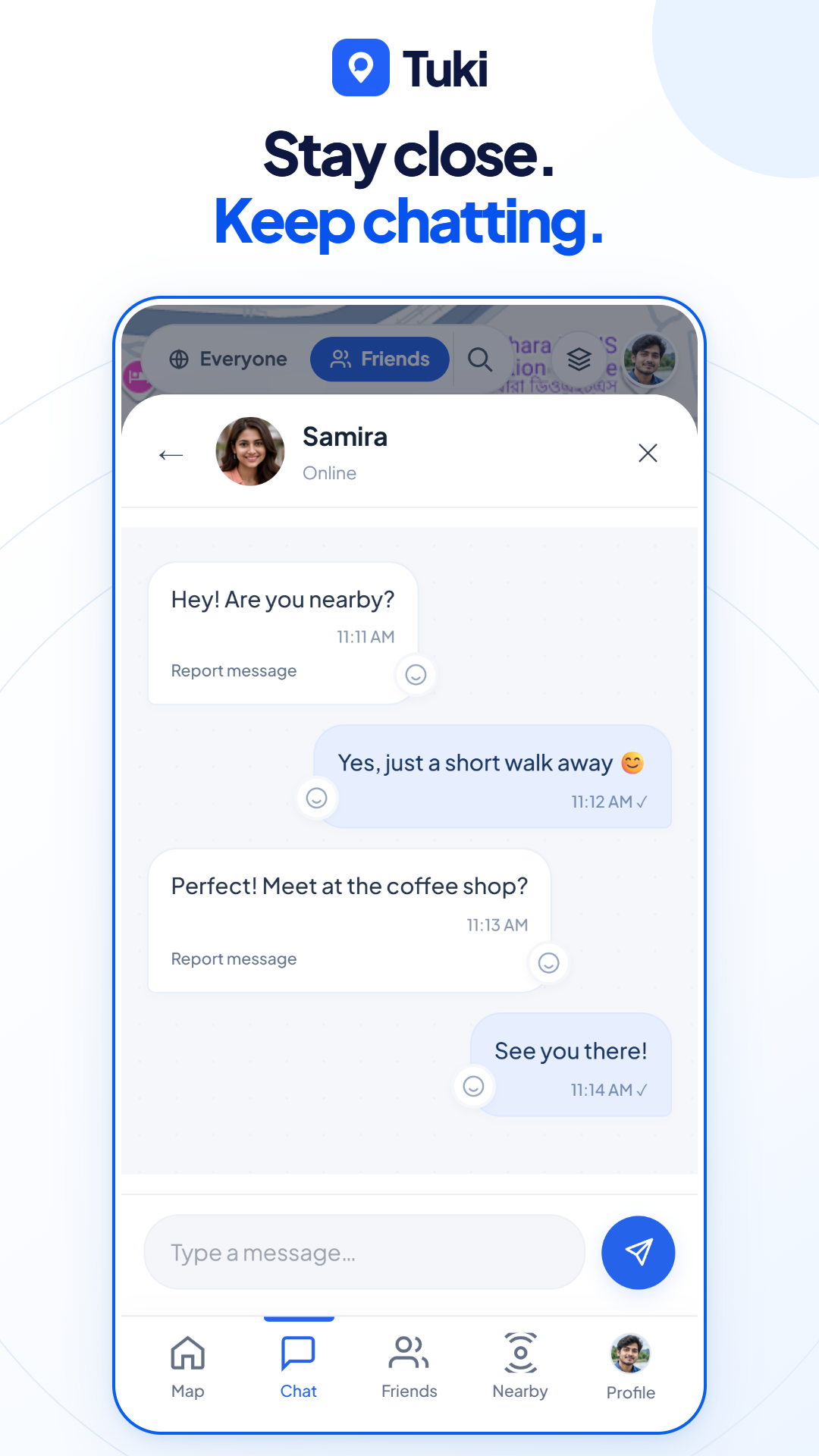
A conversation is only a tap away.
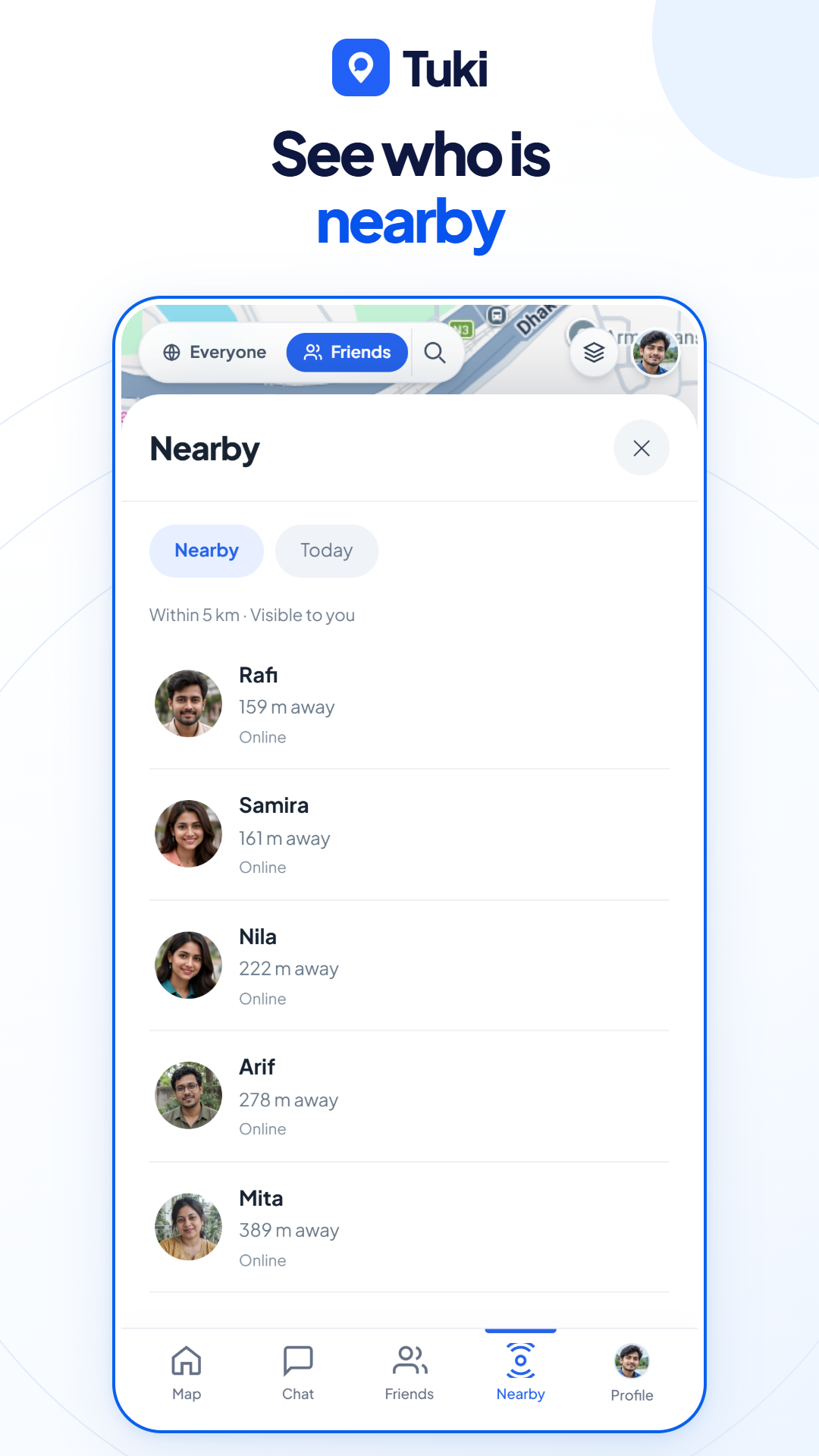
Discover people who choose to share.
Preview screenshots use sample data. Appearance and features may vary by app version.
Share with friends, choose Everyone, or keep your location to yourself. Circle sharing has its own switch.
Read our privacy policyOnly Me stops general sharing. Turn off circle sharing too, or use Stop sharing in supported Android notifications.
With sharing enabled, Tuki can update your location in the background. Enable precise location and “Allow all the time”, keep GPS and internet on, and complete the background setup in Tuki. Phone battery settings can interrupt tracking; force-stopping the app stops its services until you open it again.
Only when you choose Everyone. Friends mode limits general location sharing to mutual friends. Circles have separate sharing controls. Only Me stops general sharing, so also turn off any active circle sharing if you want to stop all sharing.
No. It is optional and saved on your phone under your account for the last seven calendar days. You can turn recording off or clear the history. Timeline distance is an estimate, and gaps can occur when location updates are unavailable.
Tuki is currently in closed testing. The Google account you use on Play must be invited and opted into the test. If you have not been invited, contact us before trying to install. Public availability will be announced here.
Already invited? Open Google Play with your invited Google account.
New here? Get in touch to ask about testing.